-
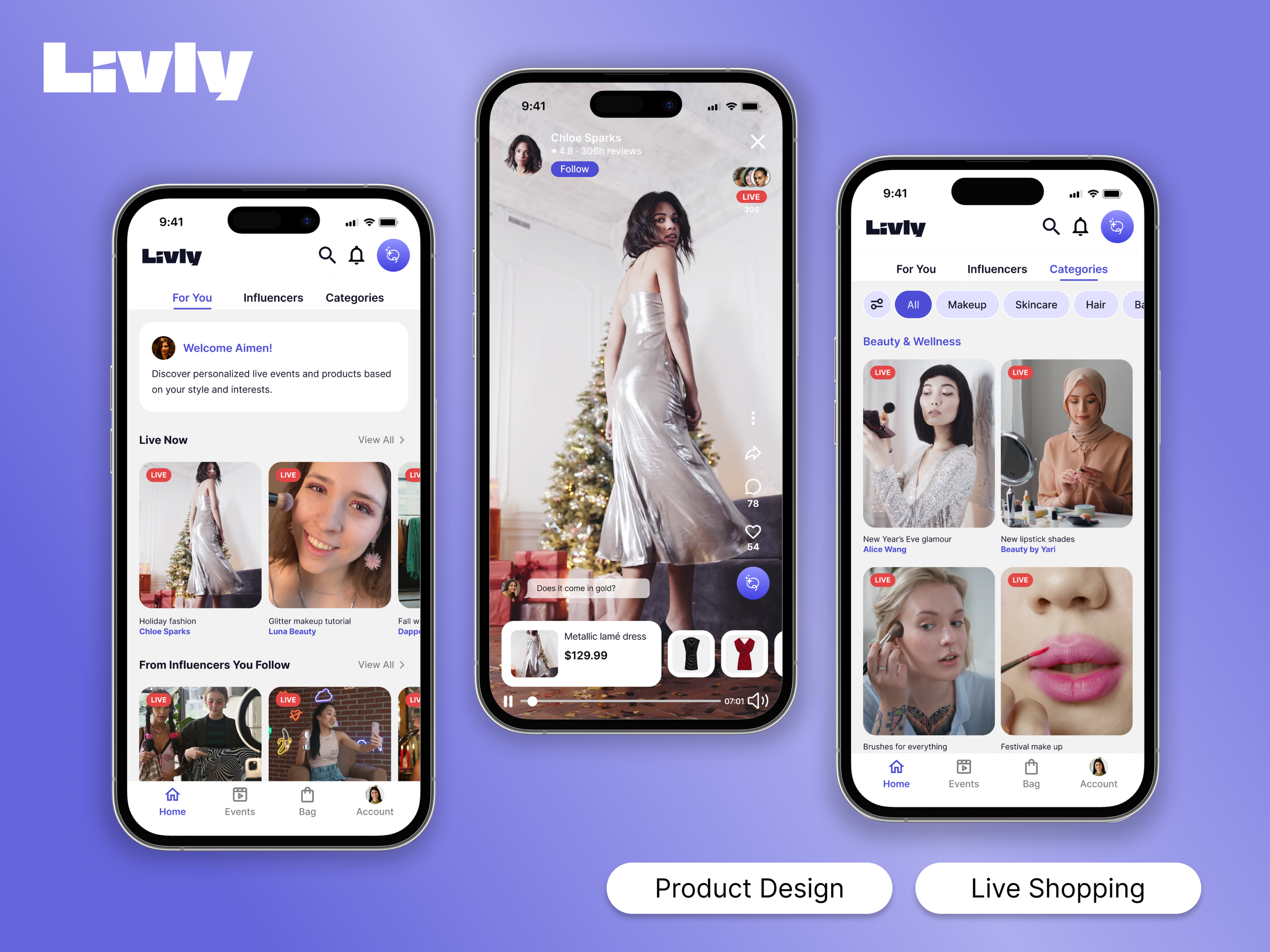
Rebuilding Trust in Social Commerce
Live Shopping Platform Design
-
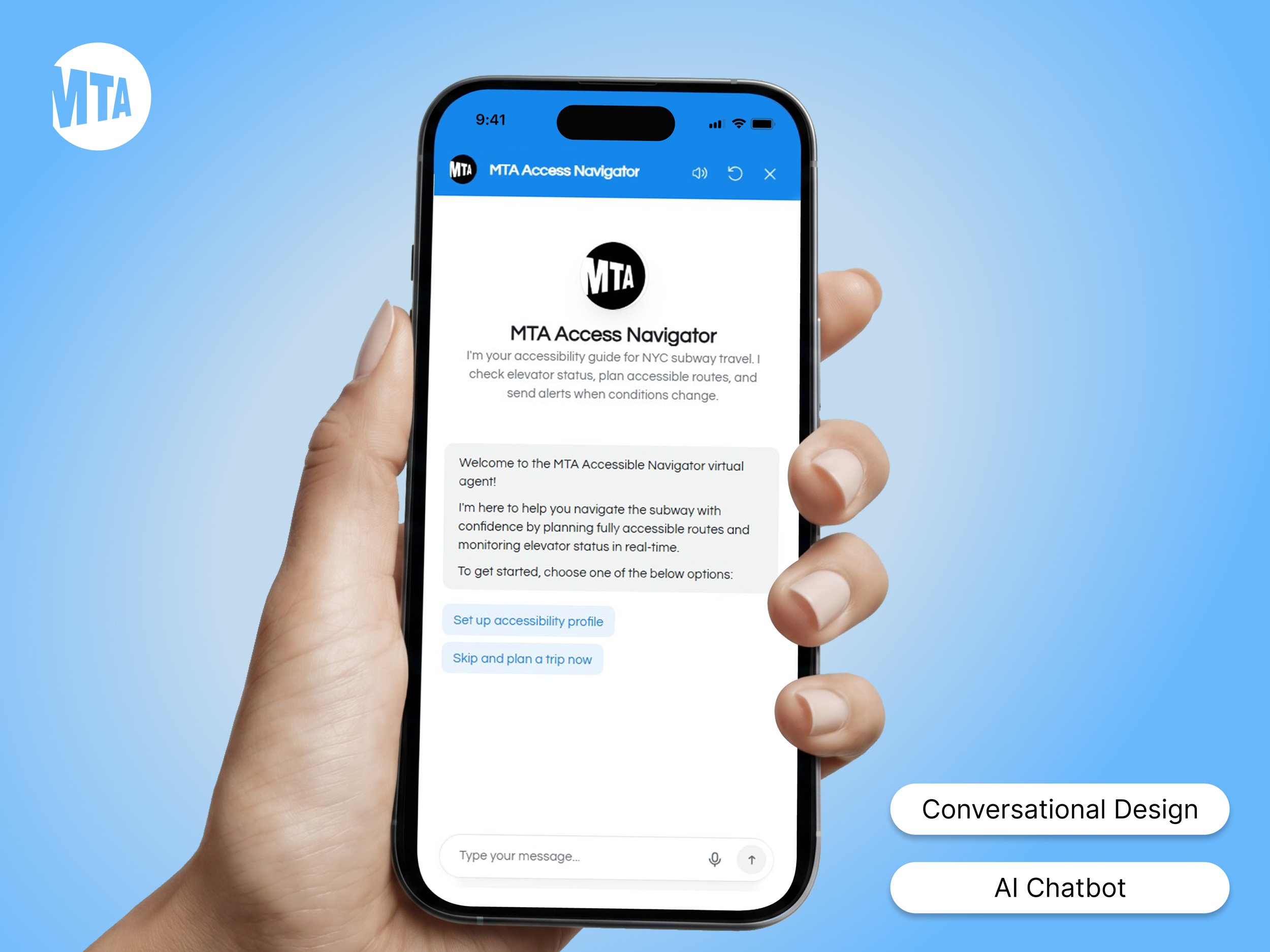
Accessibility-First AI Assistant
Conversational Design
-

Uncovering B2B Conversion Friction
UX Research & Moderated Usability Testing
-
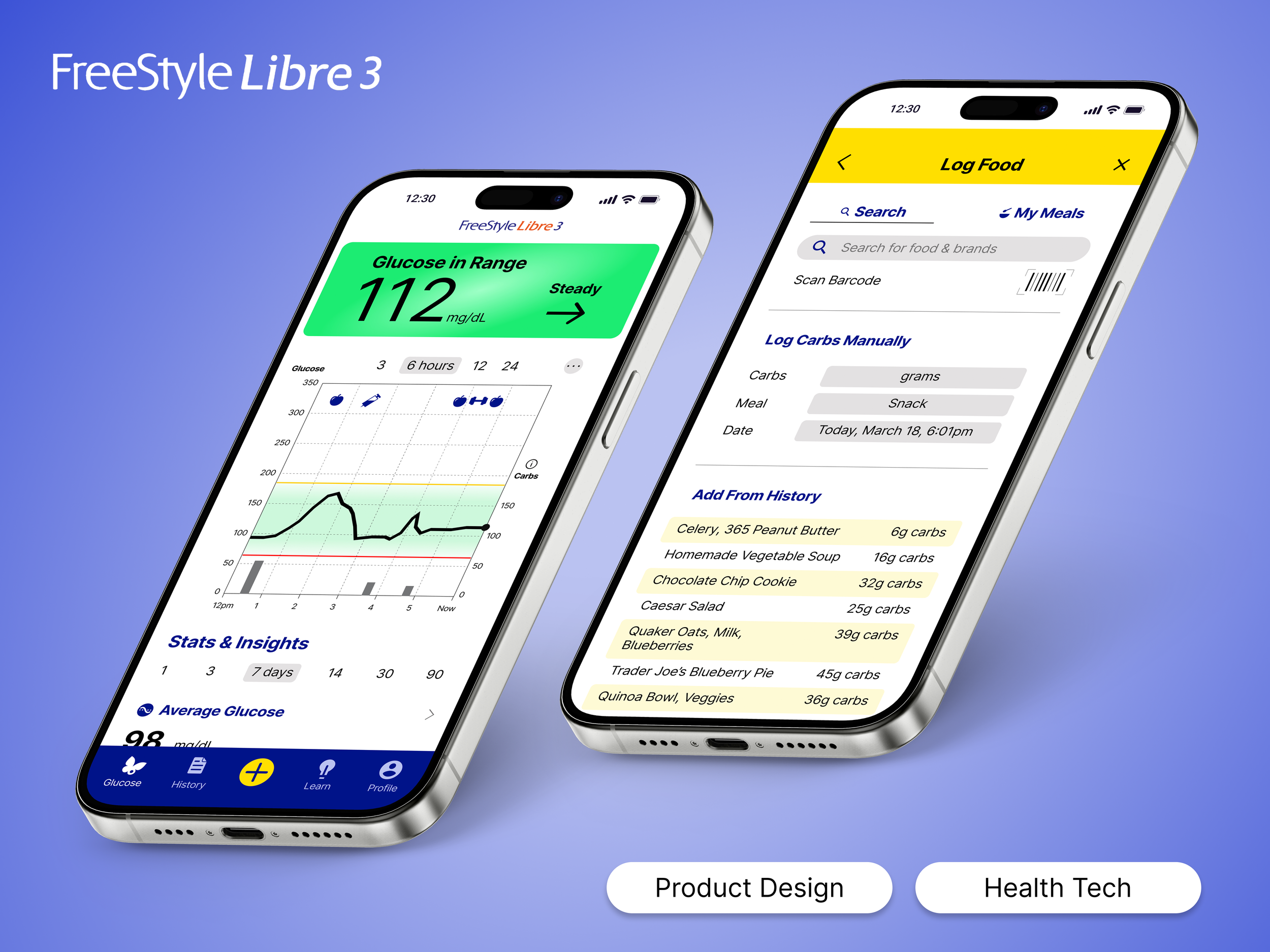
AI-Powered Health Insights
Health Wearable App Design
-
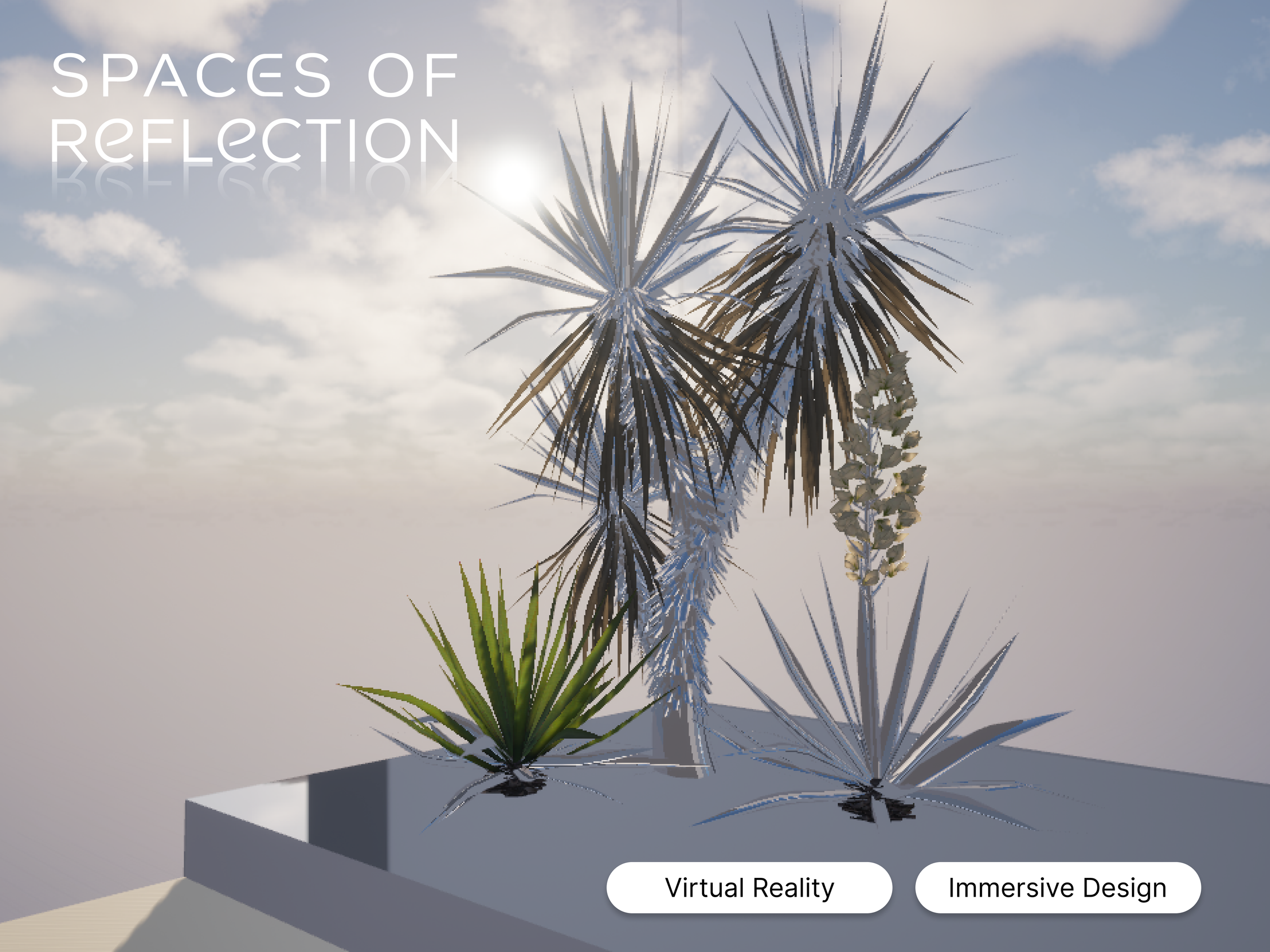
Designing for Emotional Wellness
Immersive VR Experience Design
-
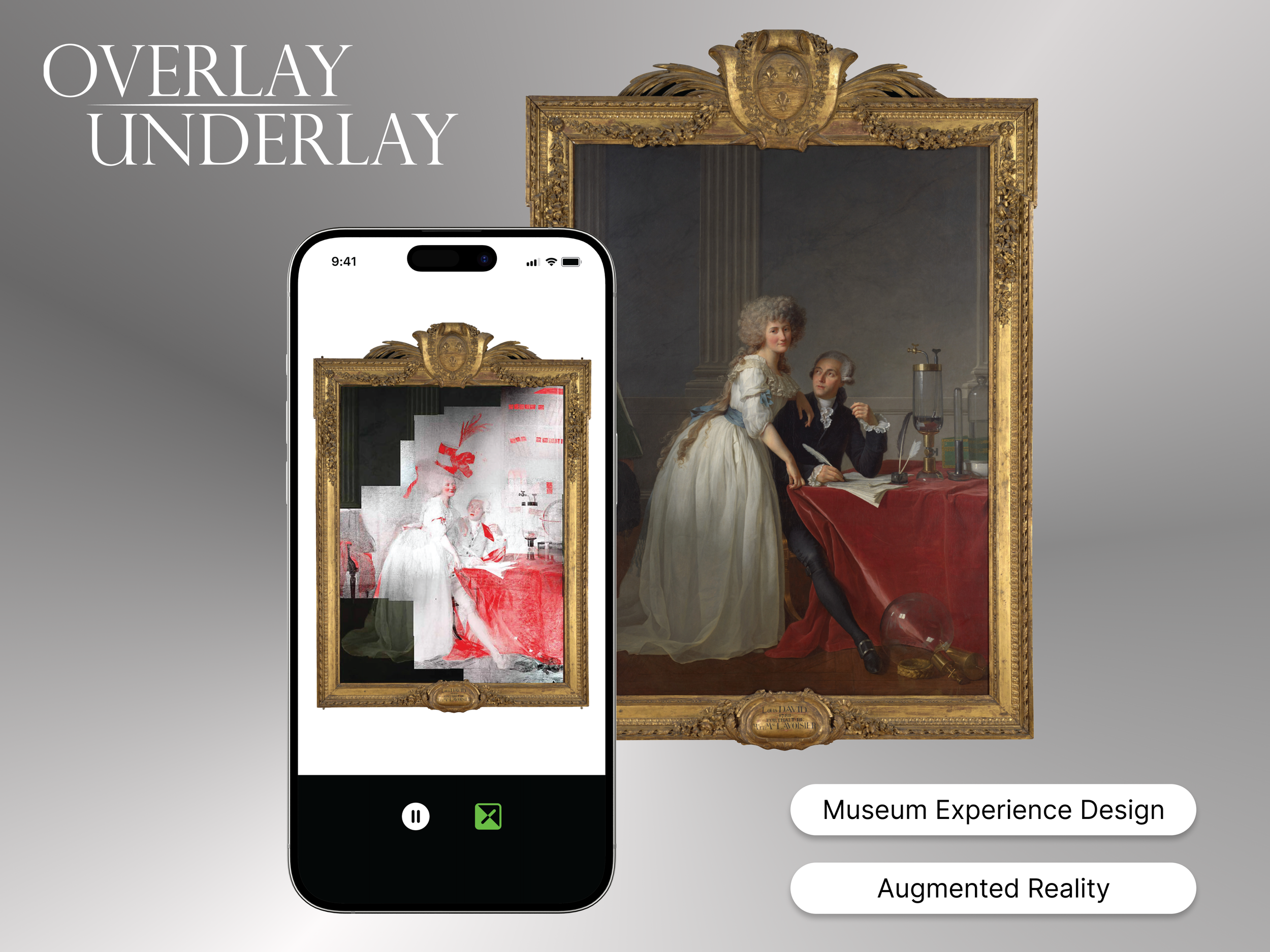
A Digital Layer That Peels Back History
Augmented Reality Museum Experience Design
-

Simplifying Complex Choices
Multi-Filter Discovery Experience
07. USER TESTING
User Testing: A Promising Signal
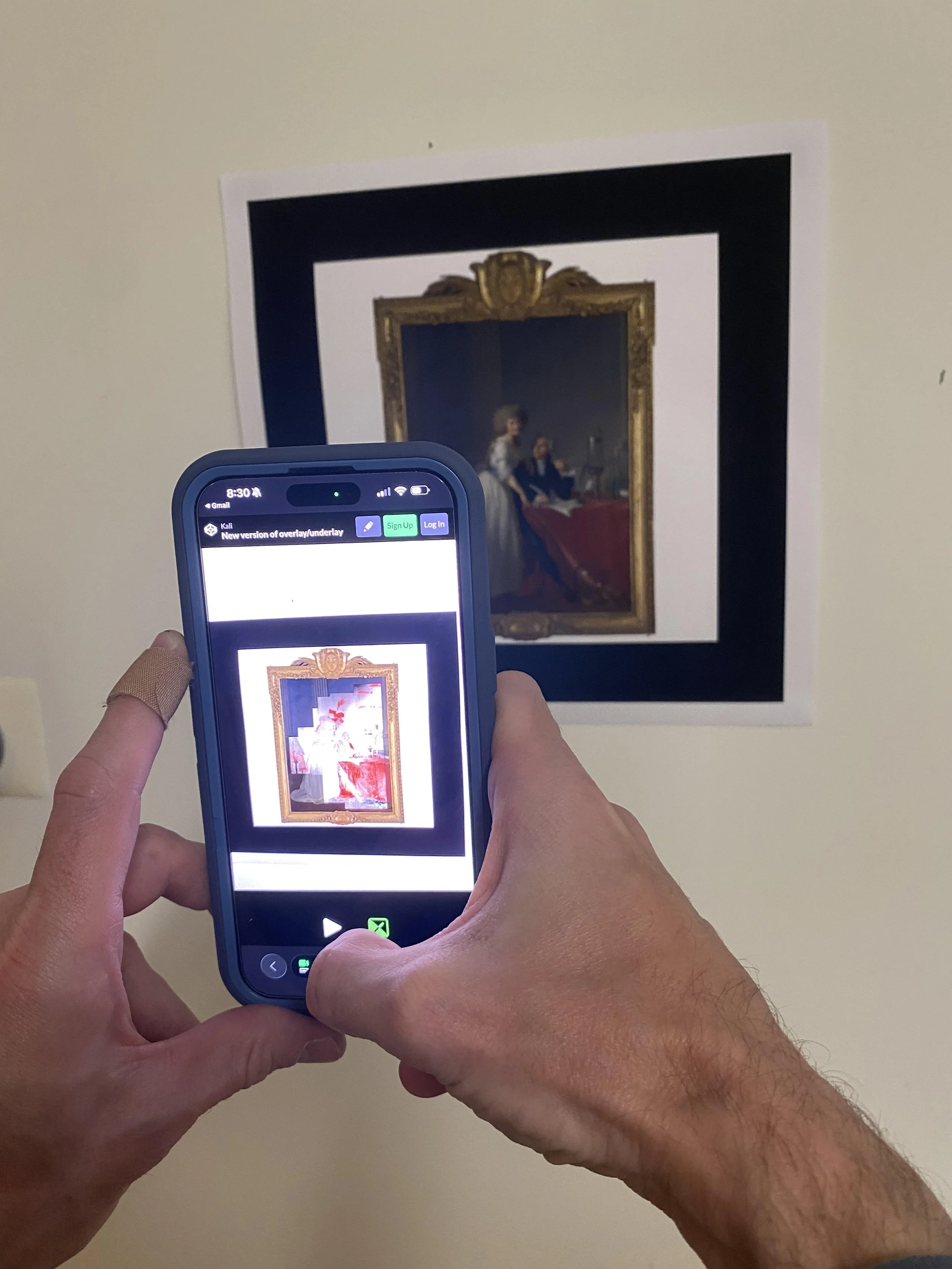
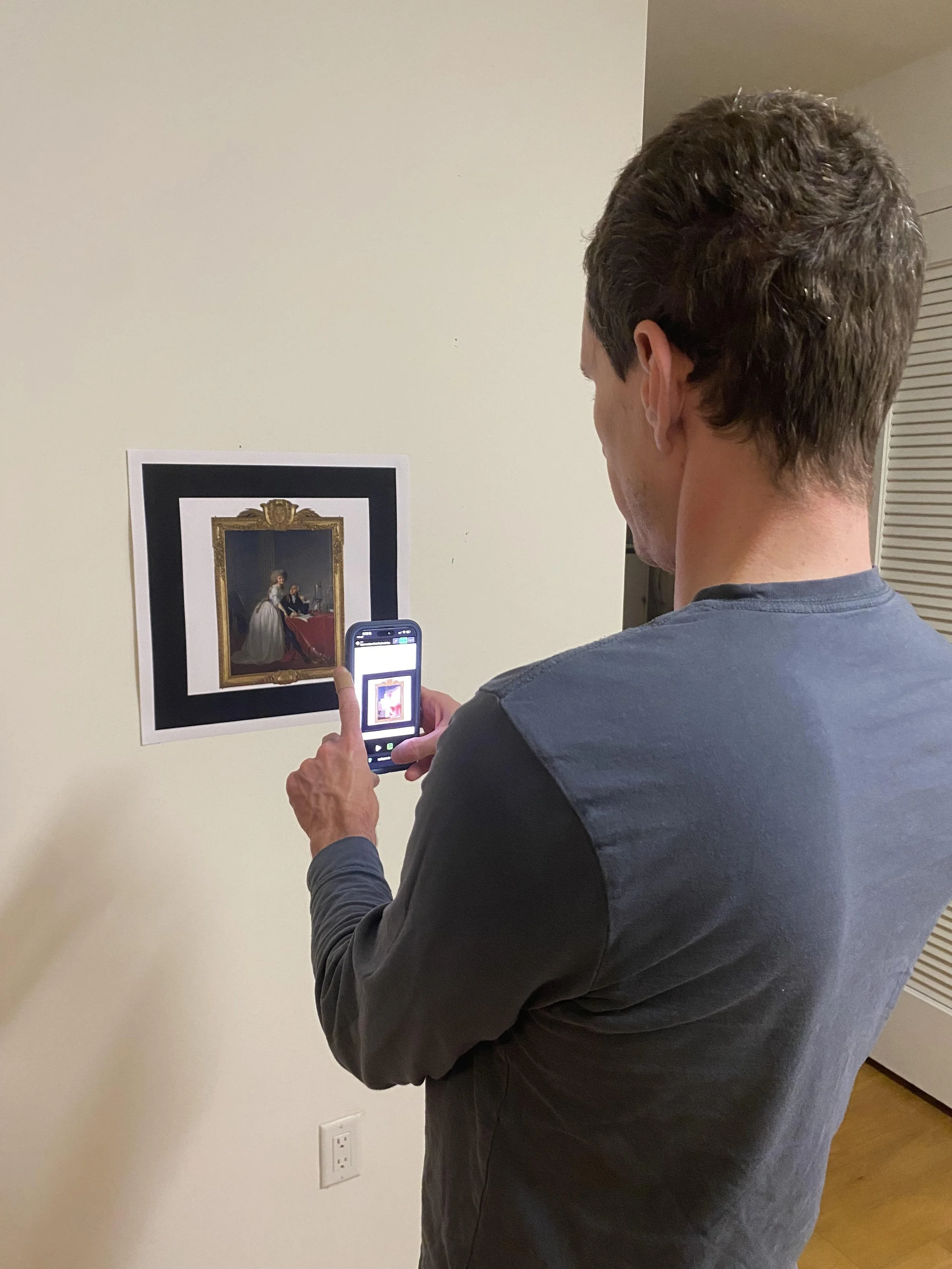
One participant tested the live prototype with the printed marker. They felt more engaged with the painting and more informed about it afterward, and they asked if the overlay was a real image from conservation research, which it is.
The strongest signal was that they wanted to zoom in and see more detail. When a visitor wants more, the experience is doing its job.
06. DEVELOPMENT
Building With Claude, Layer by Layer
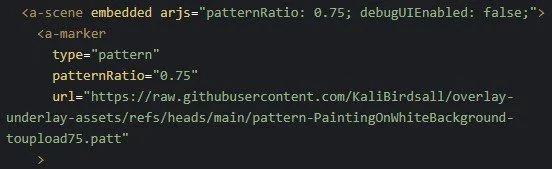
I coded the project with Claude. Overlay / Underlay runs entirely in the browser, with no app to install. It's built with A-Frame (a 3D and AR framework on top of three.js) and AR.js for tracking, prototyped in CodePen with assets hosted on GitHub. HTML, CSS, and JavaScript throughout.
Fittingly for a project about layers, the build comes together as three: the camera and marker that anchor everything, the overlay that holds the hidden image, and the interface and audio the visitor actually touches.
Layer 1: Camera and Marker
AR.js watches the live camera feed for a printed marker, matching a pattern file (.patt) against it in real time. Once detected, it anchors everything to the marker's position, so the overlay stays locked to the painting as the phone moves.
Layer 2: Overlay
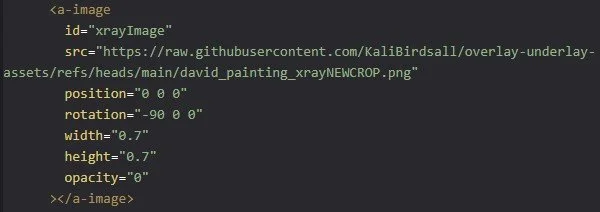
The hidden-layer image sits on an <a-image>, with opacity set to 0 until the user taps the X-ray icon, which flips it to 1. Dialing in its scale and position to register with the painting was the fussiest part of the build.
Layer 3: Interface and Audio
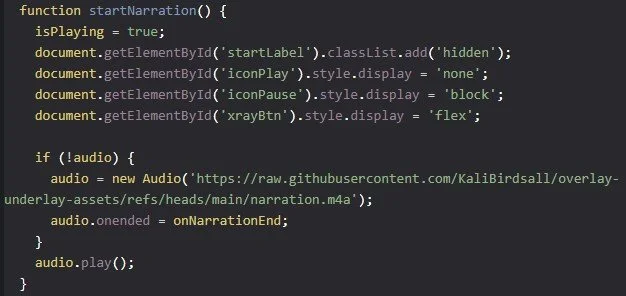
The narration runs on the HTML5 Audio API. My first version restarted the track on every play, so I refactored it to instantiate the audio once, letting pause and resume hold their place.
Debugging
My custom marker failed to track at first, even though the Hiro marker worked throughout development. The fix was pinning AR.js to version 1.6.0, since a newer release had broken marker tracking. With AR.js, version stability is worth watching.

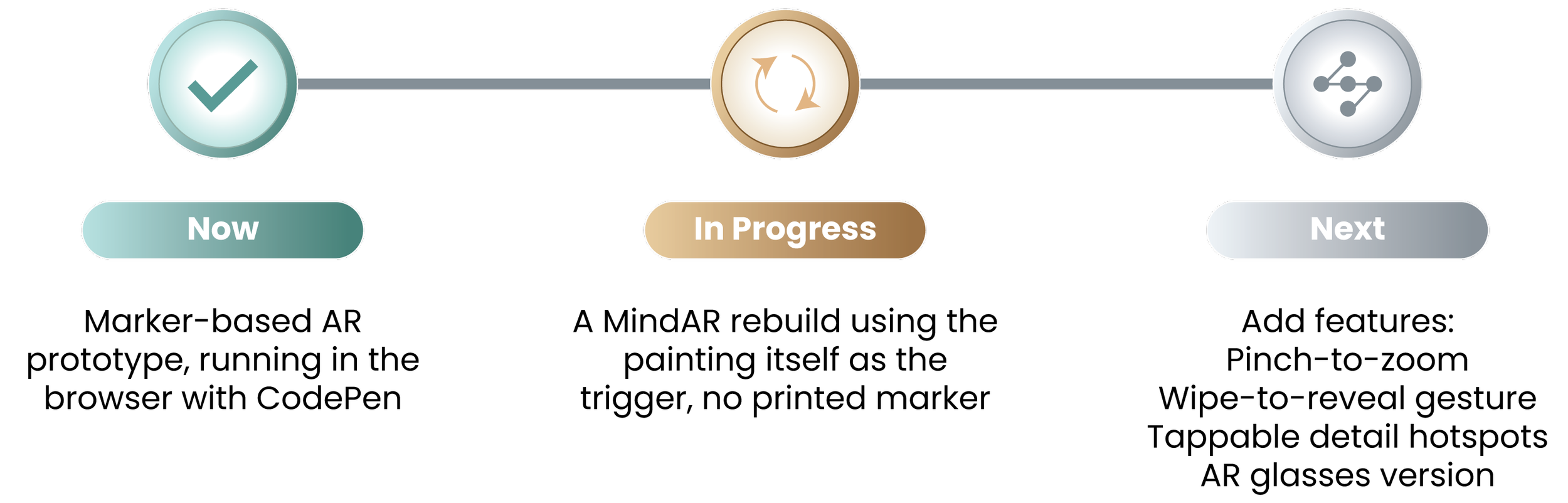
Next Iteration, I'll Make the Painting Itself the Trigger
As a proof of concept, the prototype works well, but the marker's thick black border undercuts the experience. The whole point is to use this in the museum with the real painting, so the next step is to make the painting itself the trigger, then build richer interactions on top.